A website starter kit for people who want to sleep well tonight
Your next website,built on a simple setup.
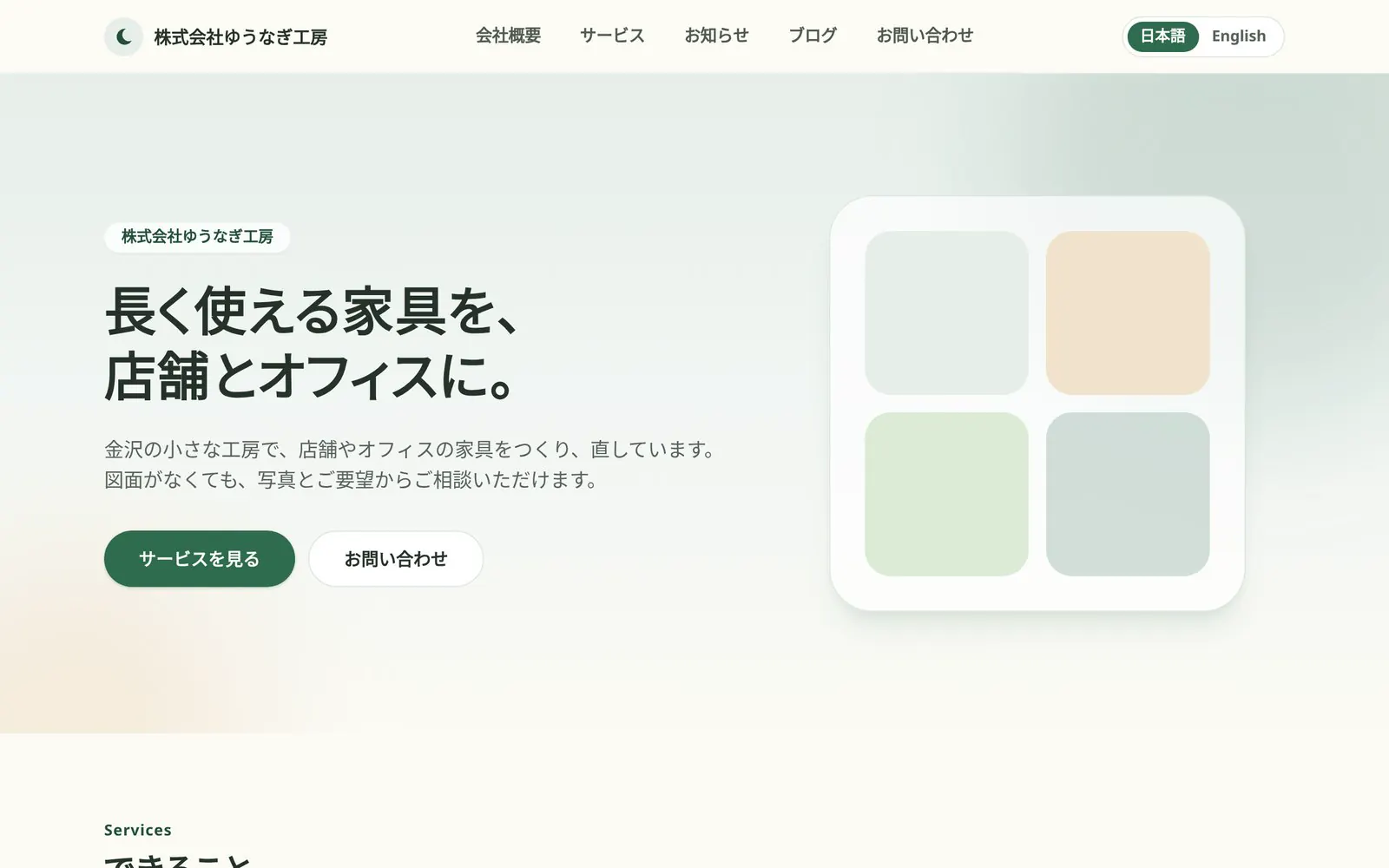
A starter kit for company and shop websites, with pages, news, a blog, and a contact form built in.
Everything stays in your own Cloudflare® account.
 andCloudflare Stack
Run your whole website in your own Cloudflare account
The website, contact form, admin panel, and database all run in your own Cloudflare account.
Your Cloudflare account
Workers
Inquiry content stays inside Cloudflare, and even with Slack notifications, only a new-inquiry notice with the site name, the page, the time, and a link to the admin screen is sent. Admin sign-in is passkey only, and you can add Cloudflare Access.
* goodnight-web is not a SaaS for running websites. It is a starter kit for self-hosting, plus documentation for setting it up.
Content managed as static files
Pages, news, and the blog are static files such as Markdown. They are managed on GitHub and built with Astro.
* Includes AGENTS.md, a guide for AI tools.
Personal data management without external form services
The contact form is already built. Inquiries are stored in a D1 database in your own Cloudflare account, and you read them in the admin panel.
Start without building from scratch
This starter kit includes pages, a contact form, an admin panel, and a database from day one.
 Deploy to Cloudflare
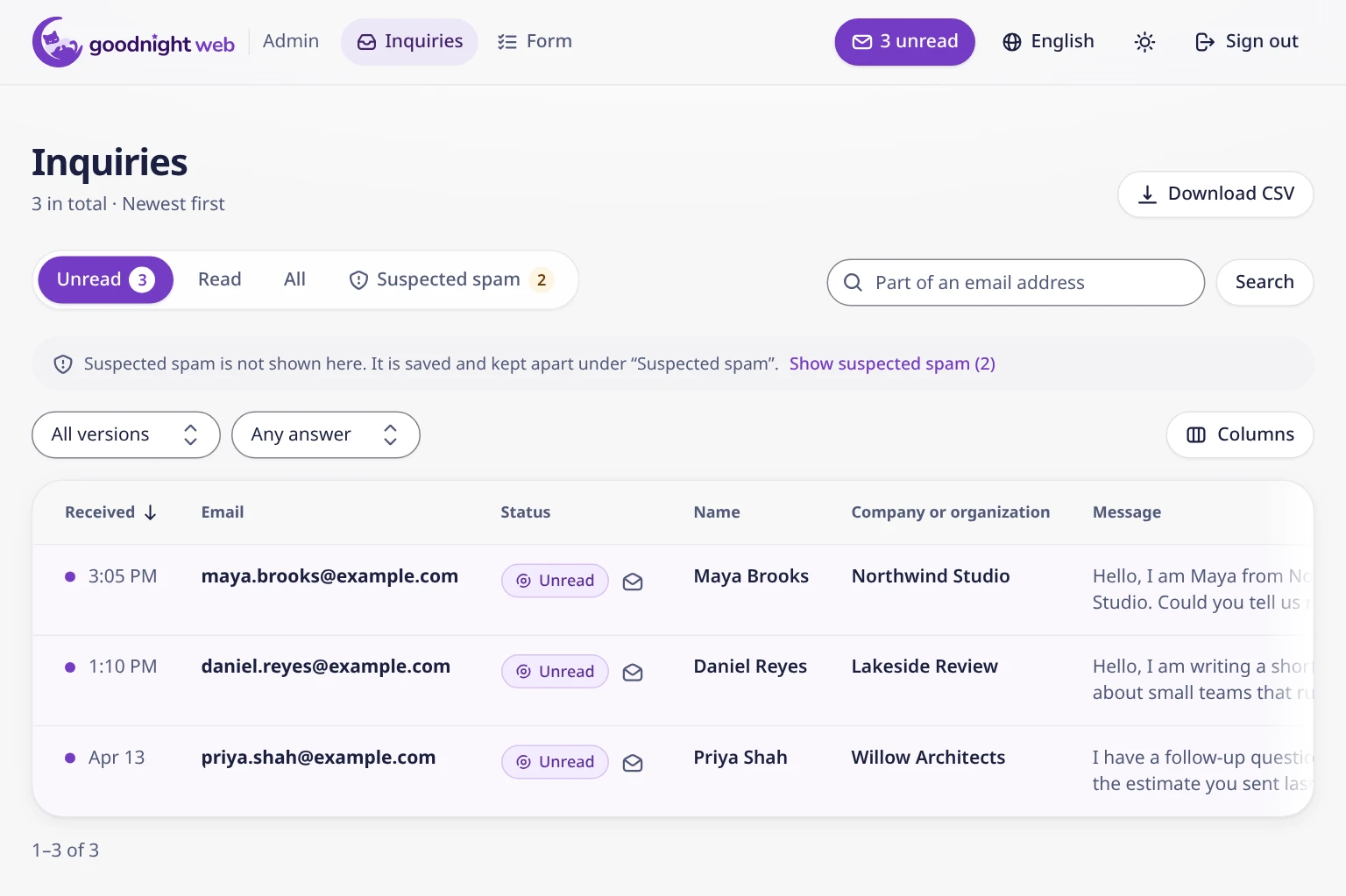
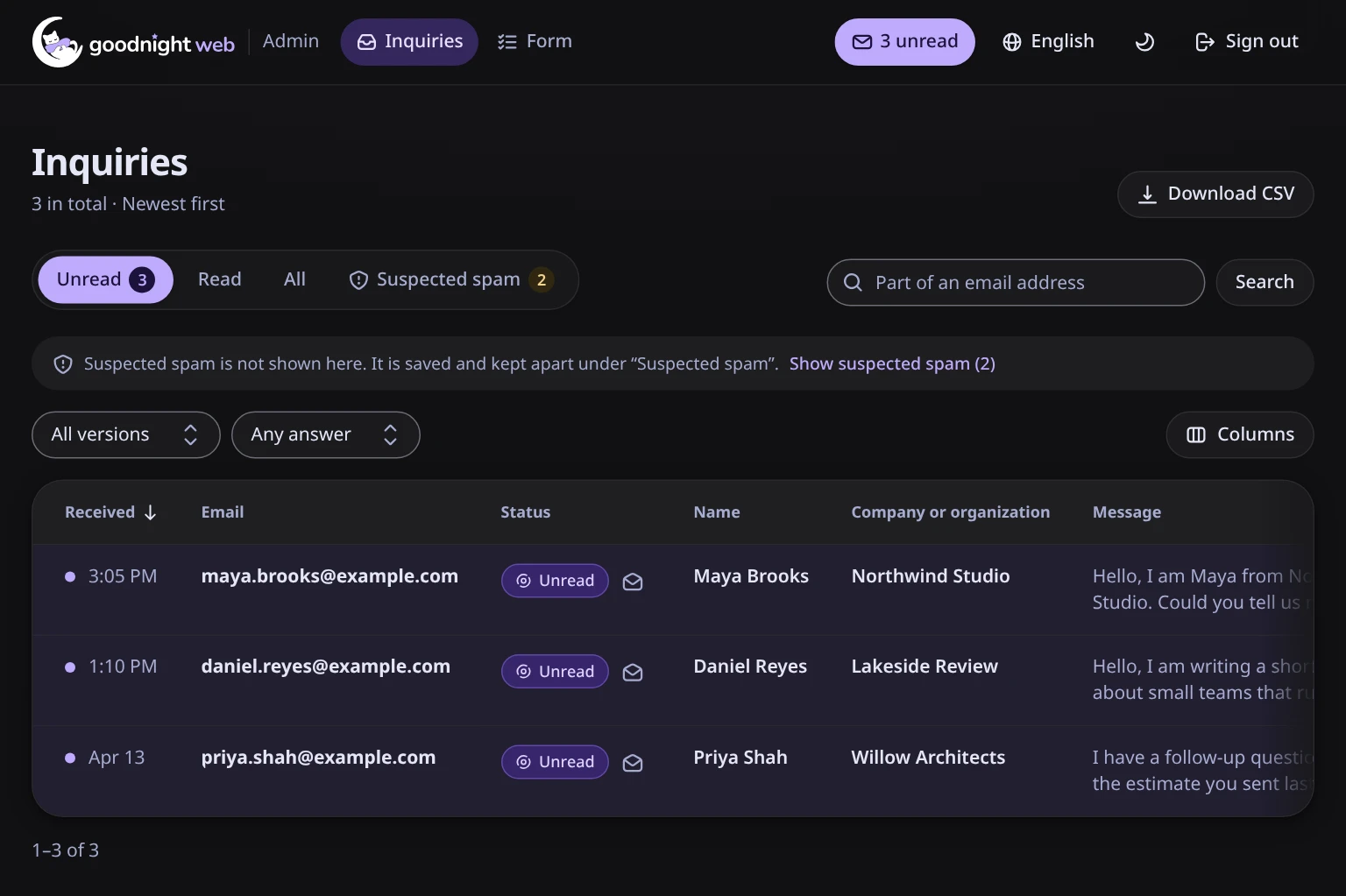
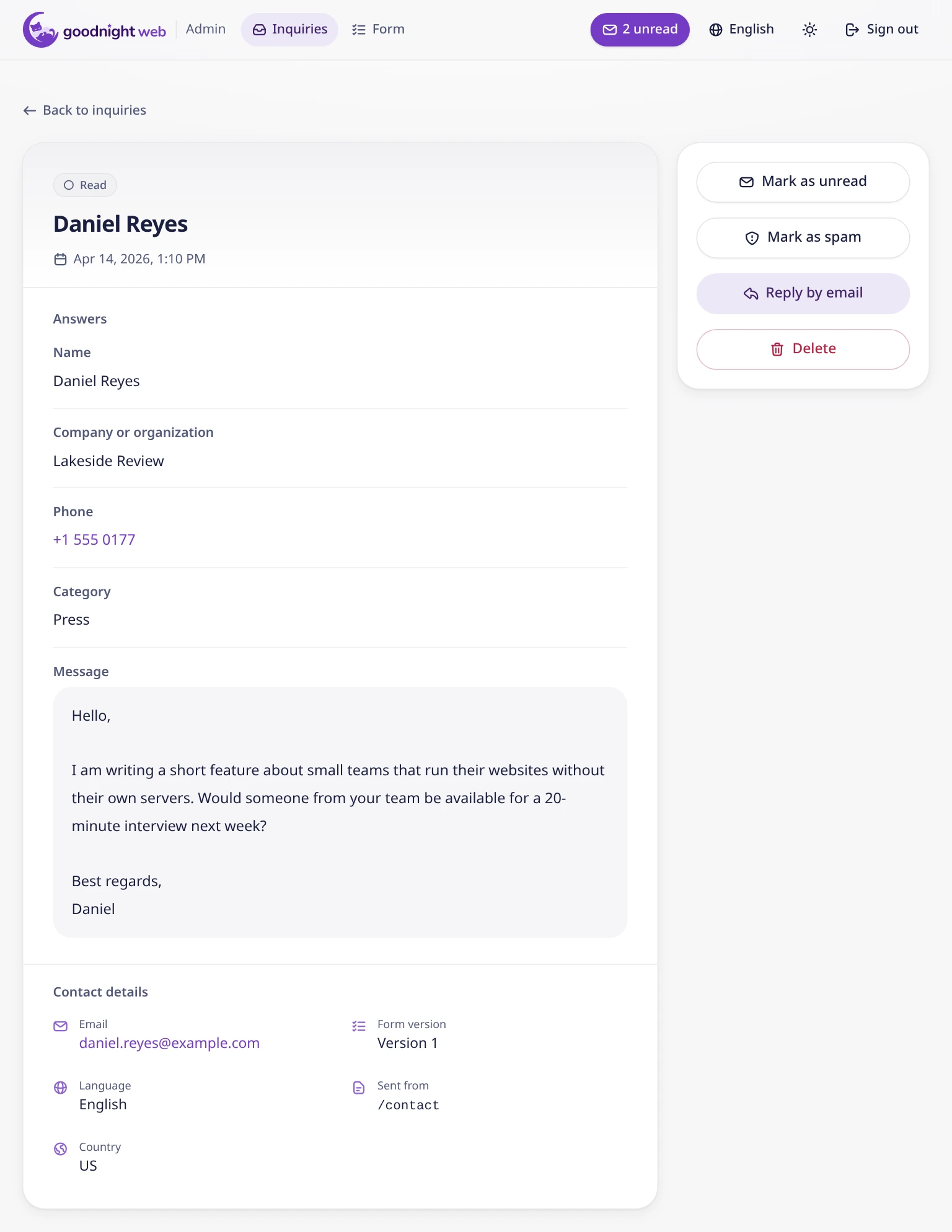
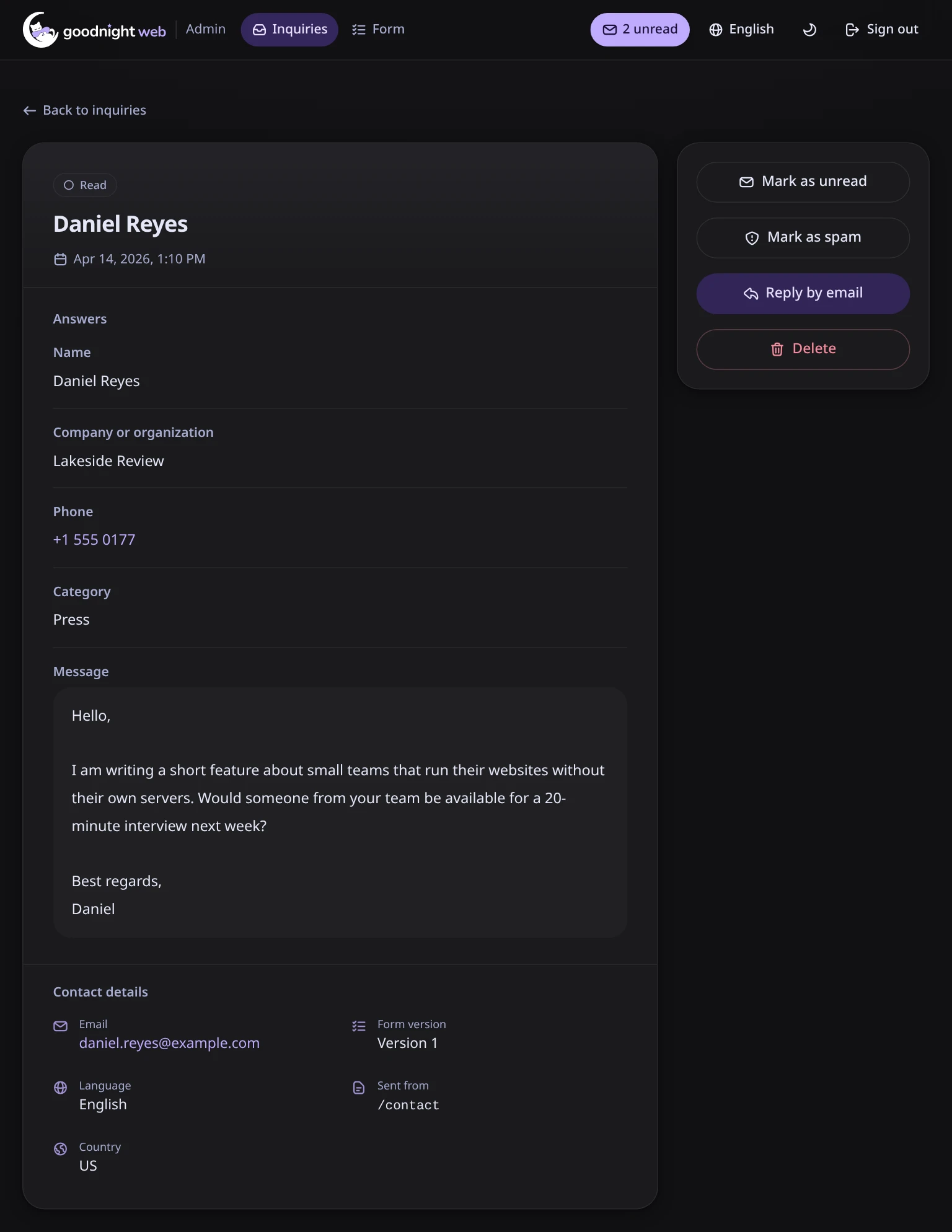
Read inquiries and edit the form in the admin panel
- The basics of handling inquiries are covered: read/unread, a separate suspected-spam view, search by email, and CSV export
- Edit form fields without code changes

Get started with your own Cloudflare account
Use the Deploy to Cloudflare button to set it up. The docs walk you through each step.