

Passkey sign-in
How admins sign in with passkeys through Better Auth, and why there are no passwords.
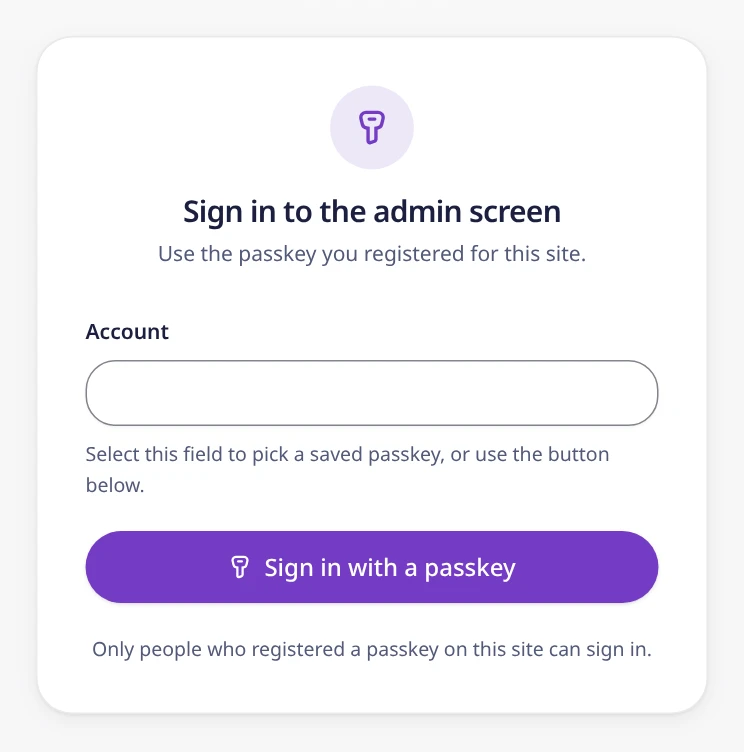
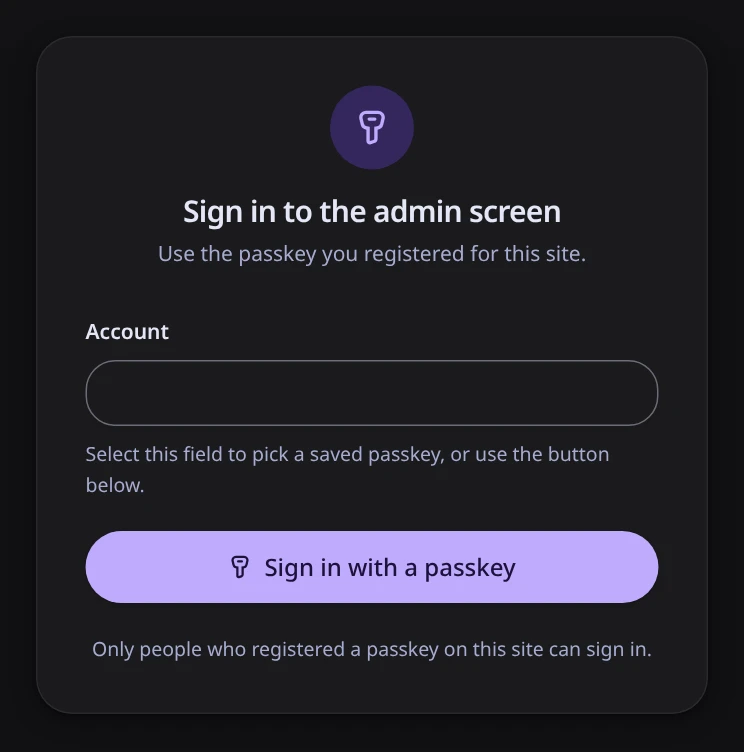
Admins sign in at /admin/login with a passkey instead of a password. Sign-in runs through the Better Auth library. There is no email and password sign-in. This page explains how it works and why.
Before you start
- A passkey belongs to one domain. Register passkeys after you add your own domain. A passkey registered on a
workers.devaddress does not work on your domain. - Use a passkey that syncs. The admin screen has no page to add a second passkey yet. When your browser asks where to save the passkey during setup, pick a provider that syncs it across your devices, such as iCloud Keychain, Google Password Manager, or a password manager app. Then losing one device does not lock you out.
- Losing the passkey everywhere locks you out. Setup does not open again by itself (see First admin setup). Getting the admin back takes a manual change in the D1 database. See When you cannot use or have lost your passkey.
- A second admin cannot be added. Once setup has closed, a user without a passkey cannot register one.
What it does
- Better Auth with the passkey plugin. The admin screen and the admin API use Better Auth with its passkey plugin. Users, sessions, and passkeys are stored in the same D1 database.
- No other way in. Email and password sign-in is turned off. There is no development bypass, default account, or shared key.
- User verification is required. Passkey registration and sign-in require user verification (a PIN or biometrics).
- No IP addresses. Better Auth does not record IP addresses in sessions.
- Sign-in is rate-limited. Requests are counted per hashed IP address with the same Rate Limiting binding as the contact form. Without that binding or a key for IP hashes (
APP_SECRET), sign-in is turned off. https://only. This covers sign-in, setup, the admin screen, and the admin API. Plain HTTP is allowed onlocalhostforwrangler dev. See Security model.- Cloudflare Access can sit in front. It covers
/admin,/admin/*,/api/admin/*,/api/setup, and/api/auth/*. WithACCESS_AUDandACCESS_TEAM_DOMAINset, the Worker also checks the Access token. Passkey sign-in is still required with Access. See Security model. - No sessions from before the passkey. The admin API accepts only a session created at or after your first passkey: one from a passkey sign-in, or from registering the first passkey. See First admin setup.
In the code
Better Auth is configured with emailAndPassword: { enabled: false } and IP tracking turned off (advanced.ipAddress.disableIpTracking).
The passkey plugin gets the request's hostname as its relying party ID (the domain the passkey is bound to) and is set to require user verification. The plugin does not enforce user verification when it verifies a registration, so the registration hook (registration.afterVerification) checks it:
passkey({
  rpID: new URL(origin).hostname,
  rpName: 'goodnight-web',
  origin,
  authenticatorSelection: {
    residentKey: 'required',
    userVerification: 'required',
  },
  // The plugin verifies with requireUserVerification: false, so enforce
  // user verification (PIN or biometrics) here.
  registration: {
    afterVerification: async ({ ctx, verification, user }) => {
      if (!verification.registrationInfo?.userVerified) {
        throw new APIError('UNAUTHORIZED', {
          message: 'user verification required',
        });
      }
The Better Auth instance is built from the Worker's bindings when a request needs it, and reused for later requests in the same isolate (a running instance of the Worker). Building it costs about 5 ms of CPU, so building it on every request would use half of the free plan's limit. The cache is keyed by the env object and the origin, so a new set of bindings gets a new instance. A site has one or two origins, so each env keeps at most 8 instances and drops the least recently used one beyond that:
export const MAX_AUTH_INSTANCES_PER_ENV = 8;

// Building betterAuth() costs about 5 ms of CPU, close to the free plan's
// 10 ms limit, so instances are reused within an isolate. They are keyed by
// the env object (a new env means new bindings or secrets) and by origin
// (passkeys are bound to the hostname). See docs/decisions/0001. A Map keeps
// insertion order, so re-inserting on use makes the first key the least
// recently used.
const cache = new WeakMap<GoodnightEnv, Map<string, GoodnightAuth>>();export const getAuth = (env: GoodnightEnv, origin: string): GoodnightAuth => {
let byOrigin = cache.get(env);
if (!byOrigin) {
byOrigin = new Map();
cache.set(env, byOrigin);
}
let auth = byOrigin.get(origin);
if (auth) {
byOrigin.delete(origin);
} else {
auth = buildAuth(env, origin);
for (const oldest of byOrigin.keys()) {
if (byOrigin.size < MAX_AUTH_INSTANCES_PER_ENV) break;
byOrigin.delete(oldest);
}
}
byOrigin.set(origin, auth);
return auth;
};Why passkeys
- No password to steal or reuse. A passkey is bound to your domain, so a phishing site on another domain cannot use it.
- It fits the free plan's CPU limit. A Worker on the free plan gets about 10 ms of CPU time per request. Password hashing (scrypt) is designed to be slow, and Better Auth's password hashing has been reported to exceed that limit on Workers (better-auth#8860). Passkey sign-in only checks a signature, which is fast.
- Nothing extra to run. Passkeys need no email service and no SMS provider.
Contact form protection
The order in which the contact API checks a submission, and how suspicious submissions are flagged instead of dropped.
When you cannot use or have lost your passkey
Which environments can use passkeys, how to avoid getting locked out, and how to regain admin access with a manual change in D1.